
Tips for Capturing Stunning Videos with Your Phone
Key Takeaways
- Stabilization is key for professional-looking videos.
- Lighting is crucial—always shoot in well-lit areas.
- Use editing tools to enhance your videos.
- Framing your shots correctly makes a significant difference.
- Practice makes perfect! Experiment with different techniques.
Creating stunning videos with your smartphone in 2026 has never been easier. This article provides practical tips and techniques for content creators on the go! Whether you're a budding filmmaker or just want to enhance your social media presence, mastering the art of video capture can elevate your work to professional standards. Let’s dive into some essential tips!
1. Use stabilization techniques
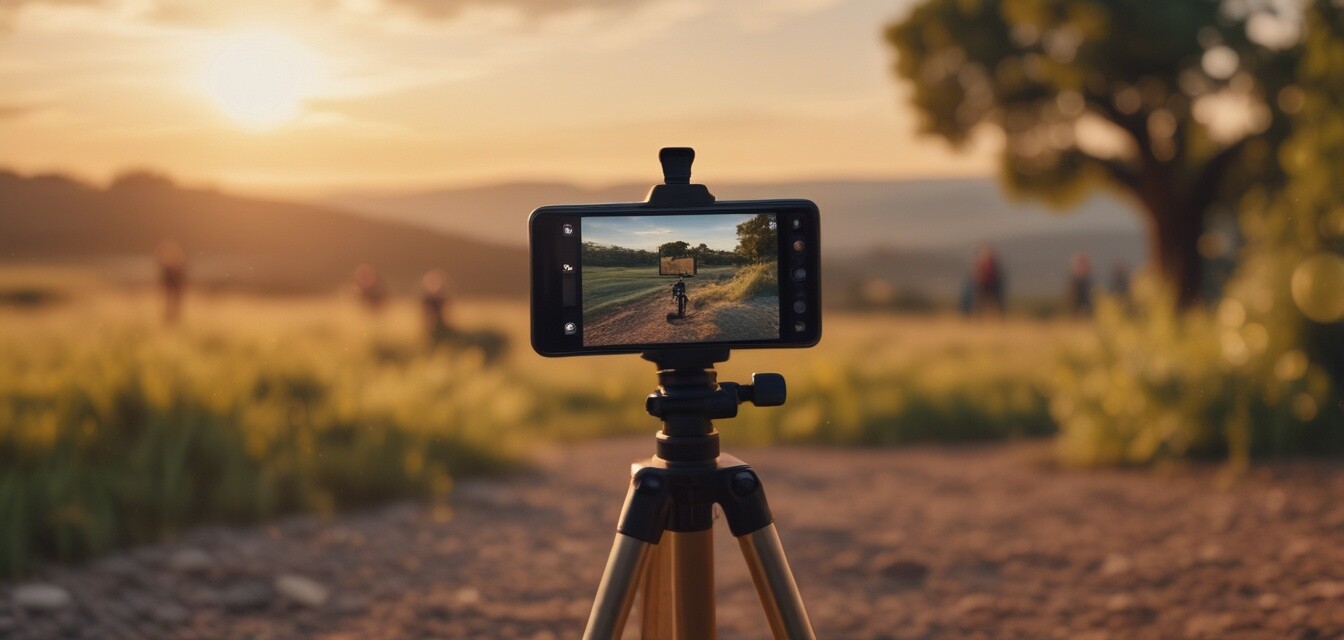
Stabilization is vital for avoiding shaky footage. Consider investing in a gimbal or tripod specifically designed for smartphones. Even simple techniques like holding your phone with both hands and using your body as a stabilizer can greatly improve video quality.
Types of stabilization
| Type | Description |
|---|---|
| Gimbal | A mechanical device that stabilizes your phone while you move. |
| Tripod | Provides a stable base, perfect for static shots and time-lapses. |
| Smartphone Stabilization | Most smartphones have built-in digital stabilization software. |
2. Master the lighting
Good lighting can dramatically impact the quality of your videos. Natural light is often the best choice, so shoot during golden hour for flattering results. If indoors, try to find well-lit spots or invest in external lighting options.
Lighting tips
- Plan your shoot around the time of day for optimal natural lighting.
- Avoid harsh overhead lights that can cast unflattering shadows.
- Consider using reflectors to bounce light onto your subject.
3. Pay attention to audio quality
Clear audio is essential for captivating your audience. External microphones can significantly enhance sound quality, but if they’re not available, ensure you minimize background noise and speak clearly.
Audio tips
- Use an external mic for interviews or dialogue-heavy videos.
- Choose quiet locations to reduce ambient noise.
- Add background music during editing to enhance mood.
4. Composition matters
Framing your shots correctly can make your videos more engaging. Utilize techniques such as the rule of thirds and leading lines to guide your audience's eye.
Framing techniques
- Rule of Thirds: Divide your frame into a 3x3 grid and place your subject along the lines or at intersections.
- Leading Lines: Use natural lines within your environment to lead the viewer’s eye to your subject.
- Close-Ups: Capture details by getting close to your subject to create an emotional connection.
5. Edit your videos like a pro
Editing is where you can truly polish your videos. Use editing apps available for smartphones to trim clips, adjust lighting, and add effects.
Popular editing apps
- Adobe Premiere Rush
- InShot
- iMovie (for iOS users)
- KineMaster
6. Practice and experiment
Finally, the key to creating stunning videos is practice. Don’t be afraid to experiment with different styles and techniques. The more you shoot, the better your skills will become.
Pros
- Portable and convenient video recording.
- Variety of apps available for editing.
- Immediate sharing on social media platforms.
- Accessibility for all skill levels.
Cons
- Limited battery life during extended shooting.
- Some smartphones may have inferior camera hardware.
- Requires learning curve for complex editing software.
Conclusion
With the right techniques, anyone can capture stunning videos using their smartphones. By focusing on stabilization, lighting, audio quality, composition, and editing, you pave the way for creating professional-looking content. Remember to practice regularly and let your creativity shine. For more tips and insights into enhancing your tech experience, check out our various articles like How-to articles and Buying guides. Happy filming!